
Joomla guide v1.1.0
OUI Follow connects your Joomla site to Umami: cookieless tracking, an embedded dashboard, an optional consent banner and one-click visitor opt-out.
Overview
OUI Follow connects your Joomla site to Umami: cookieless tracking, an embedded dashboard, an optional consent banner and one-click visitor opt-out.
Requirements
- Joomla 4.4, 5 or 6 depending on the package version.
- PHP 8.1 or later is recommended.
- A recent backup before installation or update.
Installation
- Download the ZIP package and do not extract it.
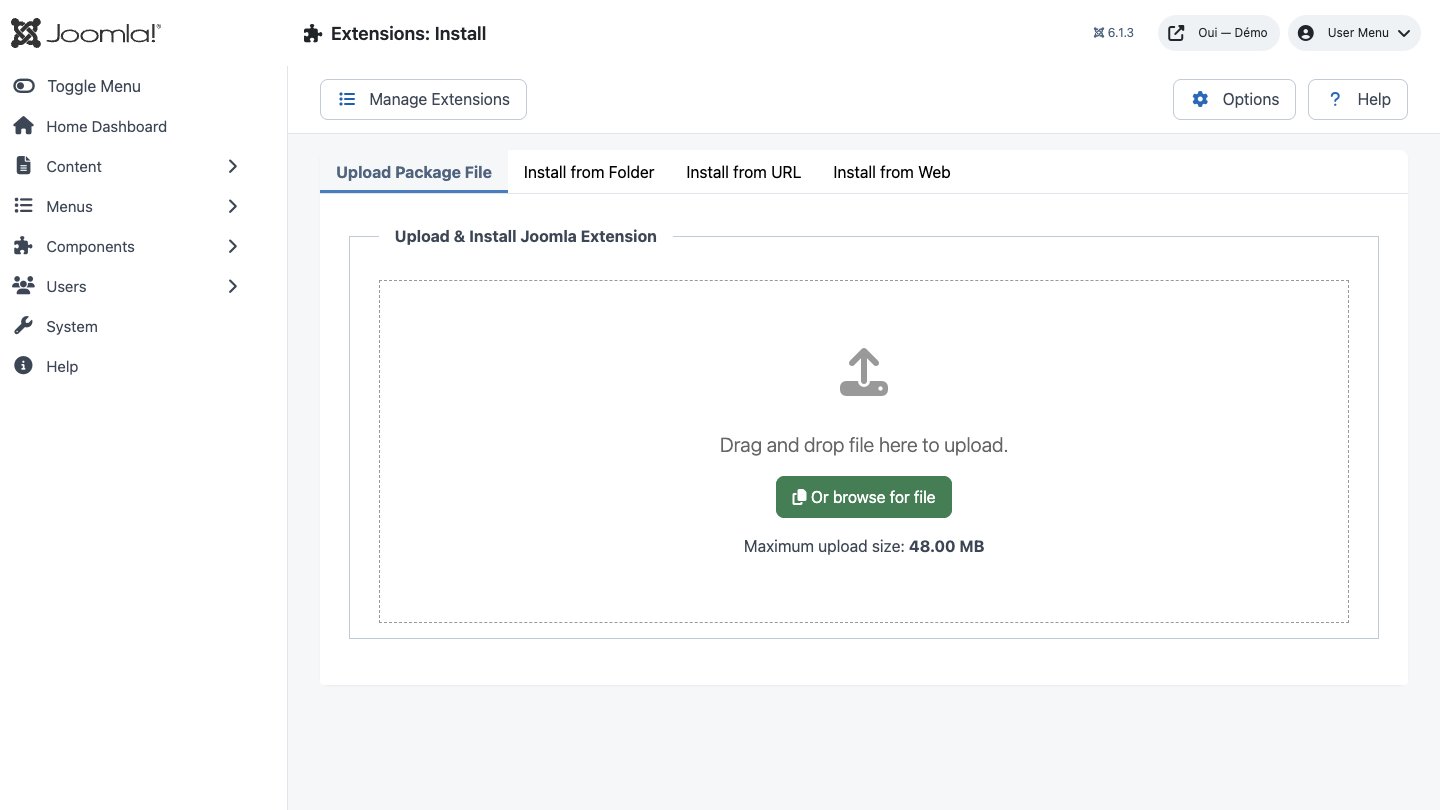
- In Joomla, open System → Install → Extensions.
- Drop the ZIP into the installation area and wait for the confirmation message.
- Open the component from Components. If the package includes a plugin, check its status under System → Manage → Plugins.
- Review component permissions before opening it to the team.
Initial configuration
- Open the extension dashboard.
- Open Options and review global settings.
- Grant Create, Edit, Delete and Configure permissions to the appropriate groups.
- Create a first test item and check the frontend when a public view is provided.
- Enable bundled plugins or scheduled tasks only when they are needed.
Features
Injection into the
The system plugin subscribes to a single Joomla event, onBeforeCompileHead, and adds the Umami script tag with its data-website-id attribute and defer. Nothing is injected in the administrator, and nothing at all while the website ID is empty.
Administrator dashboard
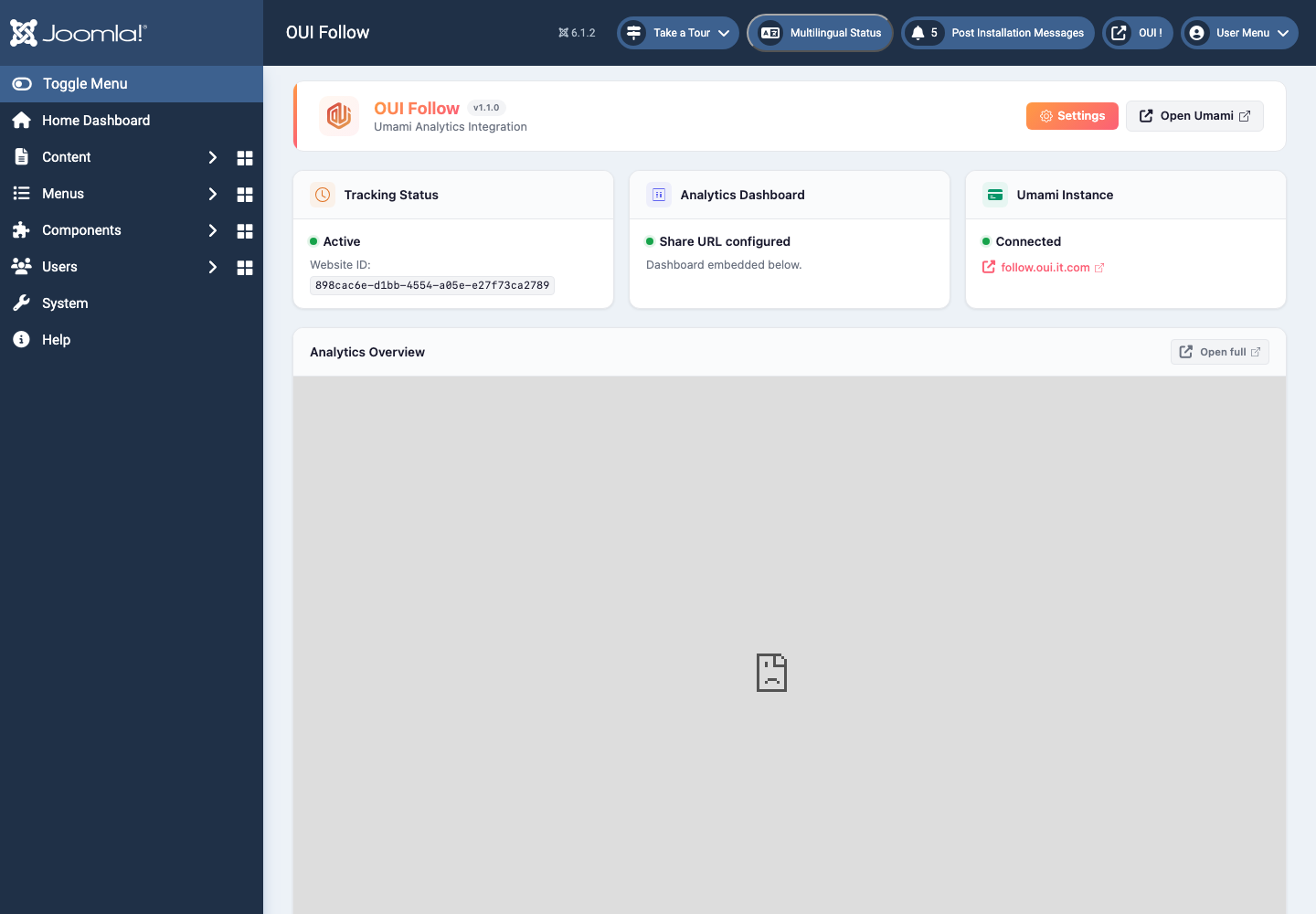
One view under Components → OUI Follow: three status cards — tracking, report, instance — plus the Umami report embedded in an iframe as soon as a share URL is set. Until anything is configured, a get-started panel takes its place.
Opt-out module
mod_ouifollow shows the visitor's actual state — a coloured dot and a label — then a button that flips the opt-out cookie. One setting only: show or hide the title. The aria-pressed attribute is kept current on every click.
A dedicated opt-out page
The site half of the component exposes a standalone optout view, ready to link from your privacy policy. Same cookie, same toggle, without depending on a module position. The layout can be overridden from your template.
OUI Consent banner, optional
Set a consent site ID and the plugin loads ConsentKit, preceded by the Google Consent Mode defaults: four signals denied, two granted, a 500 ms wait window. A returning visitor's ck_consent cookie is read back on load.
No tables, no queries
OUI Follow does not add a single table to your Joomla database. The three settings live in the component parameters, and the plugin runs no SQL at all at request time — the package's only query runs once, during installation.
Install the package
One archive, one click in the extension manager. The script checks for PHP 8.1 and Joomla 4.4, deploys the component, the plugin and the module, enables the system plugin on your behalf, then shows a get-started screen.
Paste the website ID
Copy the UUID from the website settings of your Umami instance and paste it into Components → OUI Follow → Options. Tracking begins on the next page load, with no cache purge and no edit to your template.
First steps
- Start with a simple use case and non-sensitive data.
- Validate the result with the team that will use the extension.
- Record site-specific choices such as roles, automations, templates and integrations.
- Roll out gradually, then monitor logs and user feedback.
Screenshots
Troubleshooting
- The extension does not appear after installation
- Check the installer message and the component/plugin status, then clear Joomla or WordPress caches.
- An action is denied
- Review the user group permissions, session token and any security restrictions.
- The output does not match the site
- Test with caching disabled, inspect template overrides and look for CSS or JavaScript conflicts.
- An external integration fails
- Check the URL, credentials, quotas and logs without copying secrets into a support request.
Updating and uninstalling
Before updating, back up files and the database, read the release notes, and test on a copy of the site. Export useful data before uninstalling. Removing a package may remove several related components, modules or plugins.