
Joomla guide v1.0.0
MailGateway routes every outgoing Joomla email through a pool of SMTP and API gateways: automatic failover, circuit breaking and a log of every single send.
Overview
MailGateway routes every outgoing Joomla email through a pool of SMTP and API gateways: automatic failover, circuit breaking and a log of every single send.
Requirements
- Joomla 4.4, 5 or 6 depending on the package version.
- PHP 8.1 or later is recommended.
- A recent backup before installation or update.
Installation
- Download the ZIP package and do not extract it.
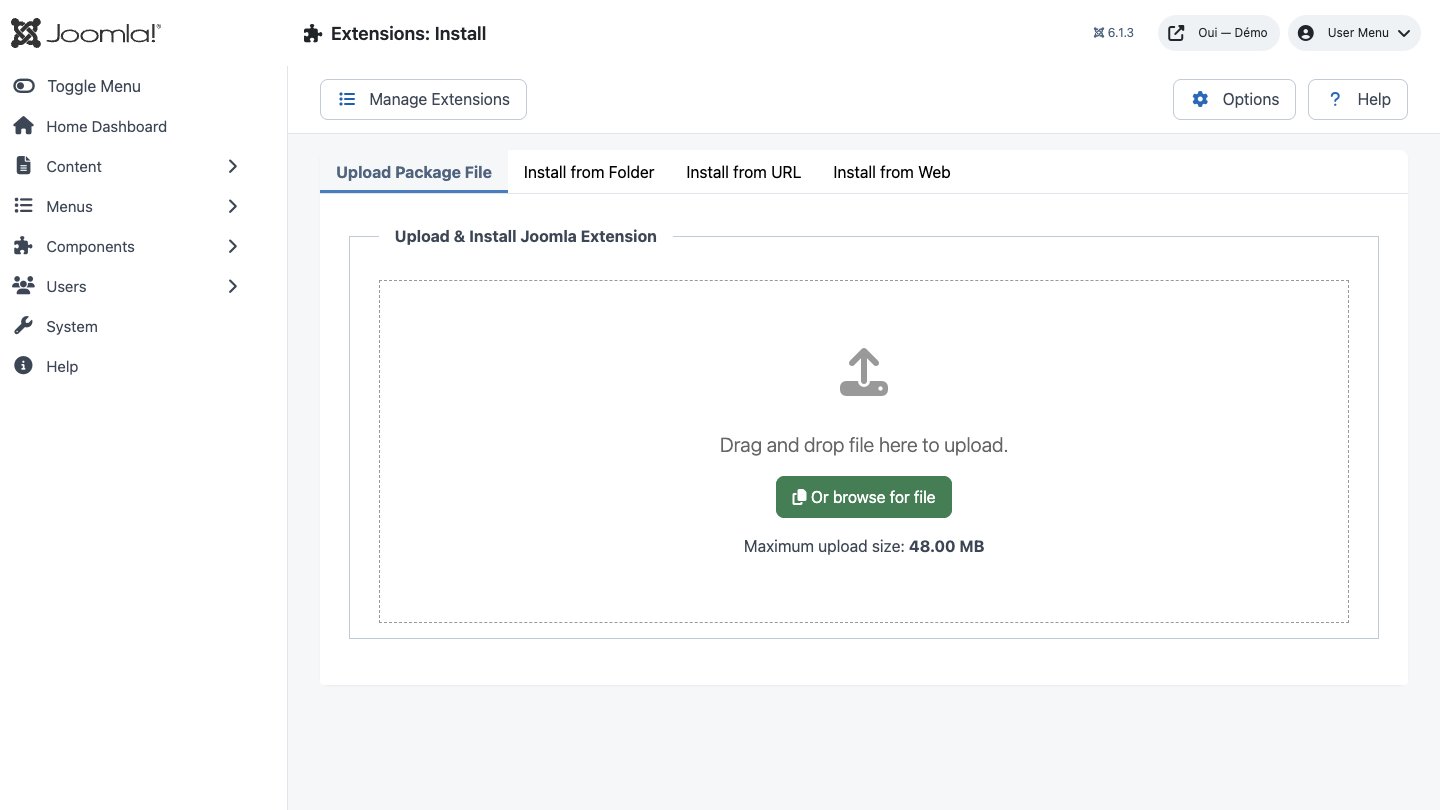
- In Joomla, open System → Install → Extensions.
- Drop the ZIP into the installation area and wait for the confirmation message.
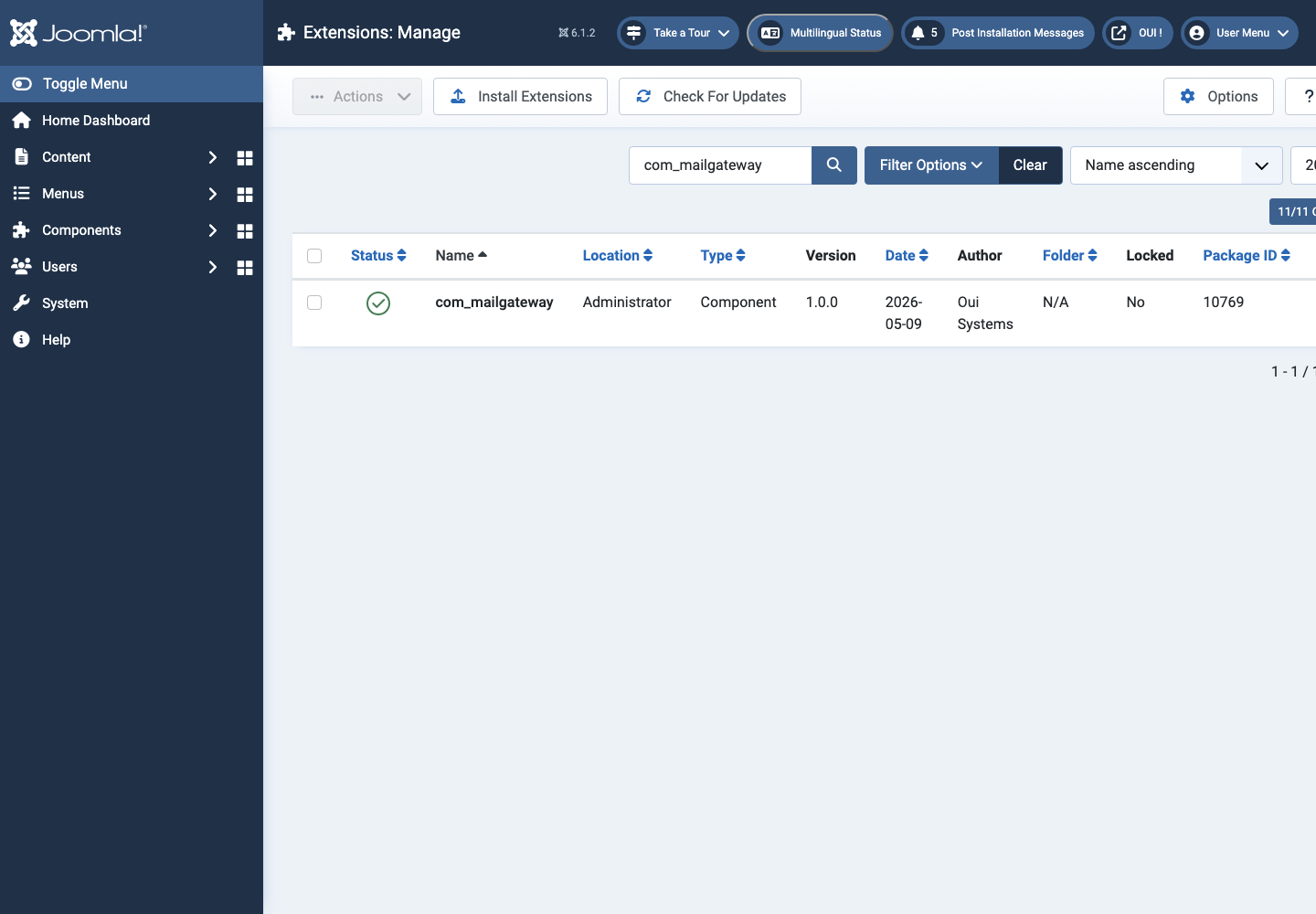
- Open the component from Components. If the package includes a plugin, check its status under System → Manage → Plugins.
- Review component permissions before opening it to the team.
Initial configuration
- Open the extension dashboard.
- Open Options and review global settings.
- Grant Create, Edit, Delete and Configure permissions to the appropriate groups.
- Create a first test item and check the frontend when a public view is provided.
- Enable bundled plugins or scheduled tasks only when they are needed.
Features
Nothing slips past
The plugin replaces MailerFactoryInterface in the dependency injection container, reseeds Mail::getInstance() by reflection for legacy callers, and catches raw new Mail() senders on the onMailBeforeSend event. Even elderly extensions are routed.
8 working transports
Plain SMTP plus seven HTTP APIs: SendGrid, Mailgun, Postmark, Brevo, Mailjet, SparkPost and a signed generic webhook. Each adapter maps the provider's response codes to transient or permanent failure — and that drives the retry logic.
5 selection strategies
Failover by priority, round-robin, weighted, random, or domain routing that wraps any of the other four. Switching is hot — no migration and no restart.
Persistent circuit breaker
Five failures inside 60 seconds trip a gateway's breaker. After a 300-second cooldown it goes half-open; another failure doubles the wait, capped at one hour. State lives in the database, so it survives every request and every restart.
Two-phase logging
The log row is opened with status sending before transmission, then closed with the attempts breakdown, the provider's message id and the sent timestamp. A hanging transport stays visible, and named.
Resend and EML export
Resend a message straight from its log entry, either through the pool or pinned to a specific gateway. Export a single row or a whole selection as .eml. Resending is capped at 10 actions per user per minute.
Install the package
The package deploys the component and the plugin, creates the four InnoDB tables, and pins the plugin's ordering to −200 so it runs ahead of everything else. It even seeds a first SMTP gateway from your existing Joomla mail settings, so the site keeps sending without you lifting a finger.
Declare your gateways
A shared fieldset (title, alias, type, state, priority, weight) plus a credential form specific to each provider. Add your domain rules, rate limit and daily quota. Credentials are encrypted before they reach the database.
First steps
- Start with a simple use case and non-sensitive data.
- Validate the result with the team that will use the extension.
- Record site-specific choices such as roles, automations, templates and integrations.
- Roll out gradually, then monitor logs and user feedback.
Screenshots
Troubleshooting
- The extension does not appear after installation
- Check the installer message and the component/plugin status, then clear Joomla or WordPress caches.
- An action is denied
- Review the user group permissions, session token and any security restrictions.
- The output does not match the site
- Test with caching disabled, inspect template overrides and look for CSS or JavaScript conflicts.
- An external integration fails
- Check the URL, credentials, quotas and logs without copying secrets into a support request.
Updating and uninstalling
Before updating, back up files and the database, read the release notes, and test on a copy of the site. Export useful data before uninstalling. Removing a package may remove several related components, modules or plugins.