
Joomla guide v1.0.0-dev
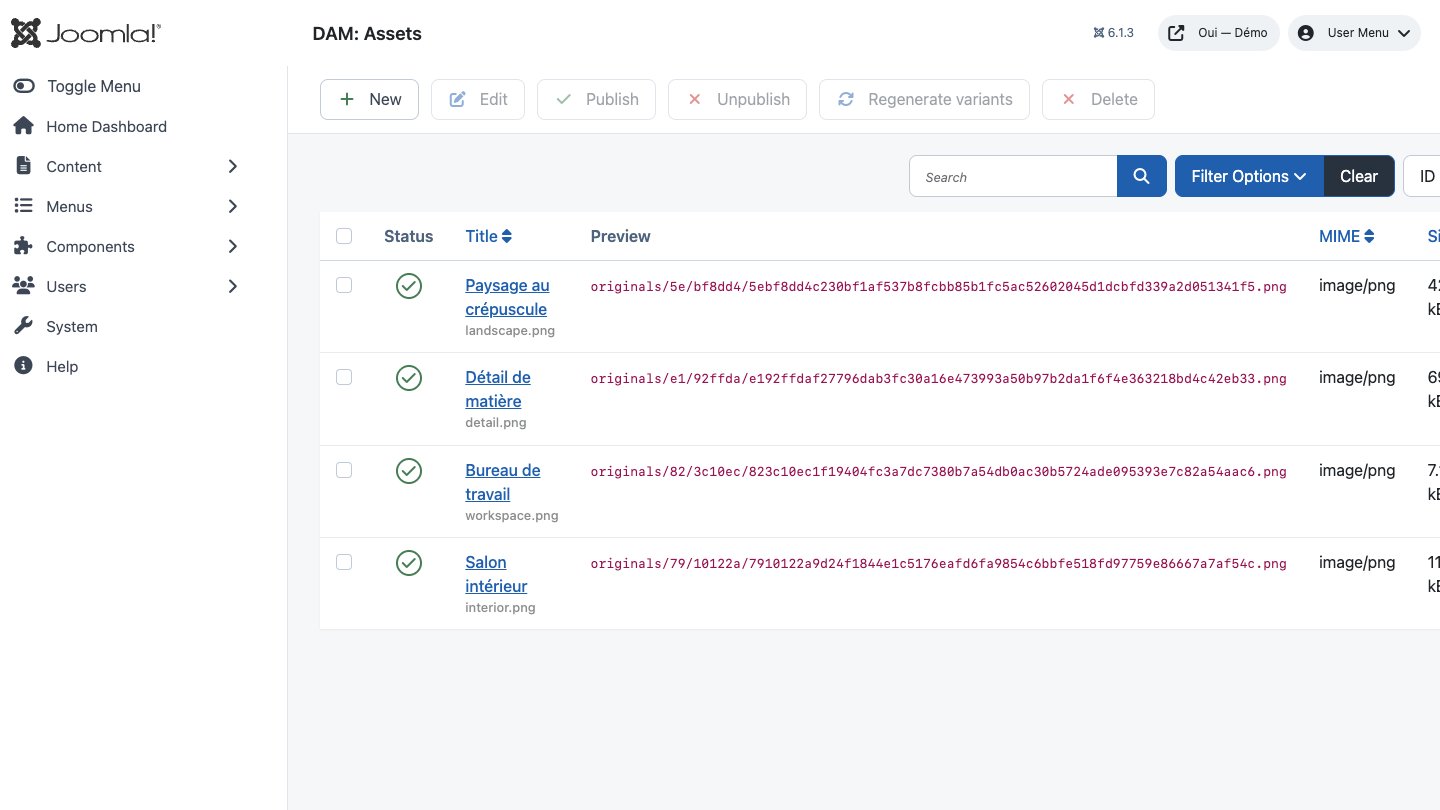
OUI DAM replaces com_media: a plugin-based Joomla media library with 4 storage backends, on-demand image variants, polymorphic relations and a REST API.
Overview
OUI DAM replaces com_media: a plugin-based Joomla media library with 4 storage backends, on-demand image variants, polymorphic relations and a REST API.
Requirements
- Joomla 4.4, 5 or 6 depending on the package version.
- PHP 8.1 or later is recommended.
- A recent backup before installation or update.
Installation
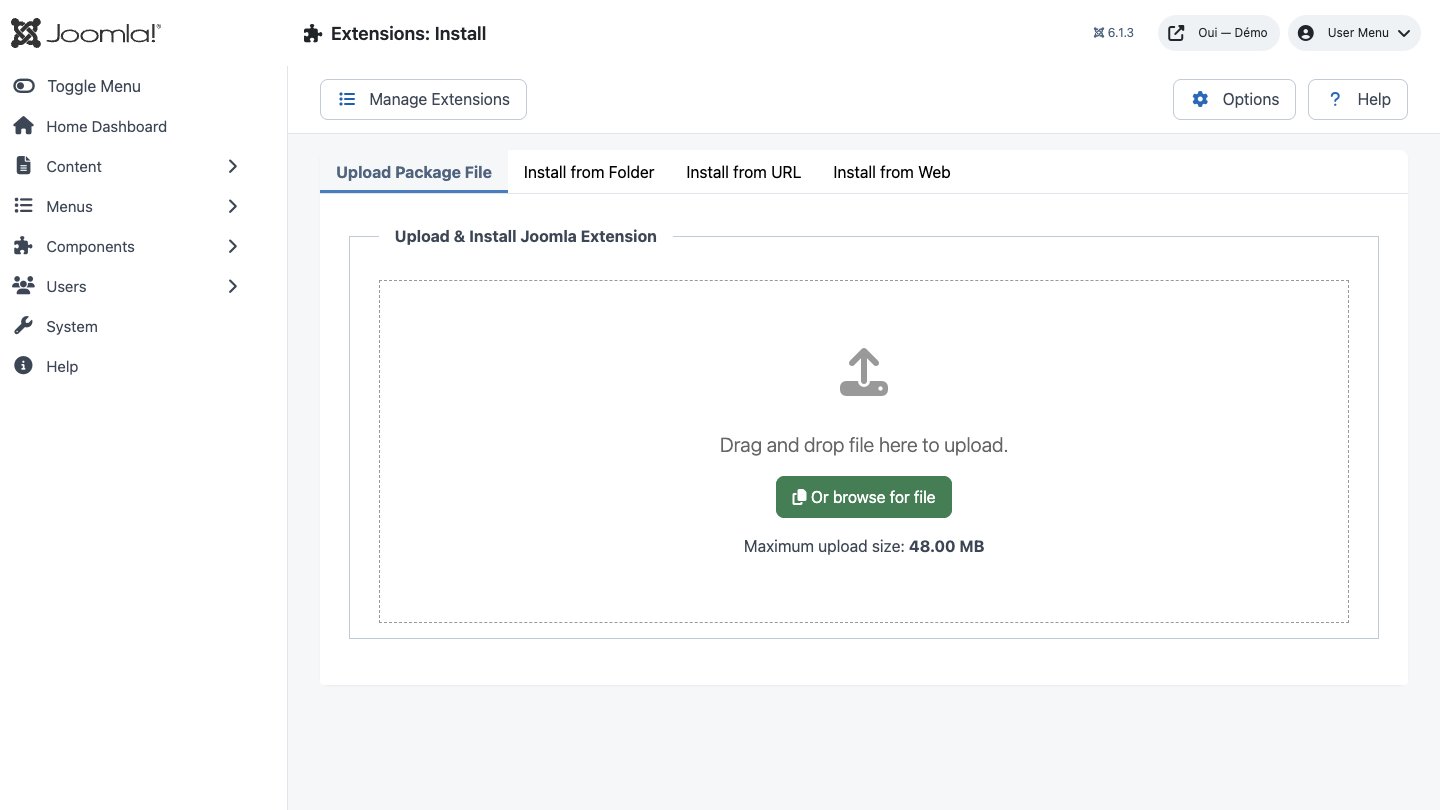
- Download the ZIP package and do not extract it.
- In Joomla, open System → Install → Extensions.
- Drop the ZIP into the installation area and wait for the confirmation message.
- Open the component from Components. If the package includes a plugin, check its status under System → Manage → Plugins.
- Review component permissions before opening it to the team.
Initial configuration
- Open the extension dashboard.
- Open Options and review global settings.
- Grant Create, Edit, Delete and Configure permissions to the appropriate groups.
- Create a first test item and check the frontend when a public view is provided.
- Enable bundled plugins or scheduled tasks only when they are needed.
Features
The "DAM Asset(s)" field
The route that needs no code at all: anything driven by com_fields — articles, categories, contacts, users, most third-party CCKs — holds DAM assets once you add a custom field of type DAM Asset(s).
Polymorphic relations
One table answers "what is this asset attached to?" for any target at all, through the tuple (asset_id, context, item_id, role). Adding an integration means one context plugin, not a schema rework.
Variants built on demand
Named variants live in configuration, never in code. Three recipes ship as standard — thumb, card and hero — built on first request, idempotently, under a lock keyed on the asset and variant pair.
Pluggable storage
Every asset records the backend that owns it, so an original and its variants can live in different places. Four backends are included: local disk, S3 and S3-compatible services, BunnyCDN and Cloudinary.
Metadata on ingest
Five extractors fire on upload: EXIF for capture details, IPTC for caption, credit and copyright, dominant colour for the placeholder, ffprobe for video dimensions and duration, and an optional AI extractor.
Editor button and shortcode
The DAM button opens the picker beneath any editor and inserts a {dam id="…" variant="card"} shortcode, expanded at render time into a responsive element with lazy loading.
REST API under /v1/dam
Nine routes registered by the Web Services plugin: full CRUD on assets in JSON:API form, relations to read, create and delete, and a listing of every declared context. Standard Joomla API authentication throughout.
Bring your library across
dam:import:media walks a directory, de-duplicates by SHA-256 and can reconnect com_content images to their articles by matching hashes. Seven options, including a dry run.
First steps
- Start with a simple use case and non-sensitive data.
- Validate the result with the team that will use the extension.
- Record site-specific choices such as roles, automations, templates and integrations.
- Roll out gradually, then monitor logs and user feedback.
Screenshots
Troubleshooting
- The extension does not appear after installation
- Check the installer message and the component/plugin status, then clear Joomla or WordPress caches.
- An action is denied
- Review the user group permissions, session token and any security restrictions.
- The output does not match the site
- Test with caching disabled, inspect template overrides and look for CSS or JavaScript conflicts.
- An external integration fails
- Check the URL, credentials, quotas and logs without copying secrets into a support request.
Updating and uninstalling
Before updating, back up files and the database, read the release notes, and test on a copy of the site. Export useful data before uninstalling. Removing a package may remove several related components, modules or plugins.