
Joomla guide v1.3.0
Joomla conversational chat component: scenarios, OUI Chat operator handoff, aggregated analytics and enforced GDPR retention. Joomla 4.4 to 6, PHP 8.1+.
Overview
Joomla conversational chat component: scenarios, OUI Chat operator handoff, aggregated analytics and enforced GDPR retention. Joomla 4.4 to 6, PHP 8.1+.
Requirements
- Joomla 4.4, 5 or 6 depending on the package version.
- PHP >=8.1.
- A recent backup before installation or update.
Installation
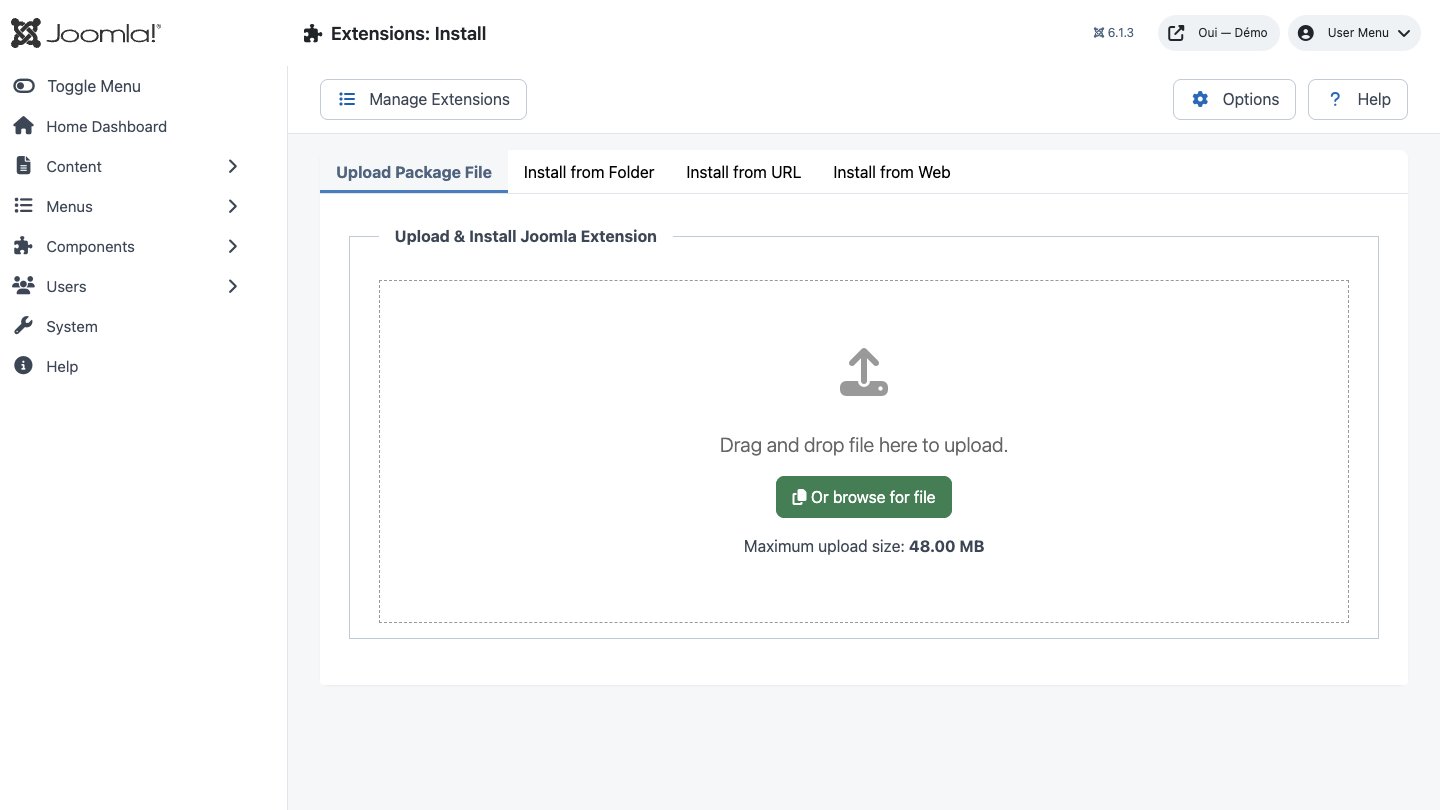
- Download the ZIP package and do not extract it.
- In Joomla, open System → Install → Extensions.
- Drop the ZIP into the installation area and wait for the confirmation message.
- Open the component from Components. If the package includes a plugin, check its status under System → Manage → Plugins.
- Review component permissions before opening it to the team.
Initial configuration
- Open the extension dashboard.
- Open Options and review global settings.
- Grant Create, Edit, Delete and Configure permissions to the appropriate groups.
- Create a first test item and check the frontend when a public view is provided.
- Enable bundled plugins or scheduled tasks only when they are needed.
Features
Scenario editor
Build question and answer flows visually. Every answer fires one of the six available actions: next question, sub-questions, free-text input, redirect, end scenario or close the chat.
5 trigger types
Each scenario records its own trigger mode. The shipped widget opens on a click of the floating button, or automatically after a delay you set between 0 and 60 seconds.
Live operator
Hand a conversation over to a human advisor through OUI Chat. Operator replies come back into Joomla by webhook and are stored with the operator sender type, alongside user and bot.
Conversation lifecycle
Every exchange gets a unique UUID and moves through three states: active, completed or abandoned. Message count and completion rate are recalculated on every turn.
Aggregated analytics
A CLI command consolidates each day into six metric families: messages per sender, total conversations, completed conversations, average completion rate, average response time and status breakdown.
Secrets encrypted at rest
API key, API secret and webhook secret are encrypted with AES-256-GCM using a key derived from your site secret. Encrypted values carry a dedicated prefix, so migration is transparent.
Signed webhook
The endpoint that receives operator replies verifies an HMAC-SHA256 signature using a constant-time comparison. While no secret is configured every request is refused — there is no permissive fallback.
ACL & display restrictions
Seven ACL actions at component level and five more on scenarios. On the site, exclude user groups, hide the widget from guests, or switch it off across whole components.
First steps
- Start with a simple use case and non-sensitive data.
- Validate the result with the team that will use the extension.
- Record site-specific choices such as roles, automations, templates and integrations.
- Roll out gradually, then monitor logs and user feedback.
Screenshots
Troubleshooting
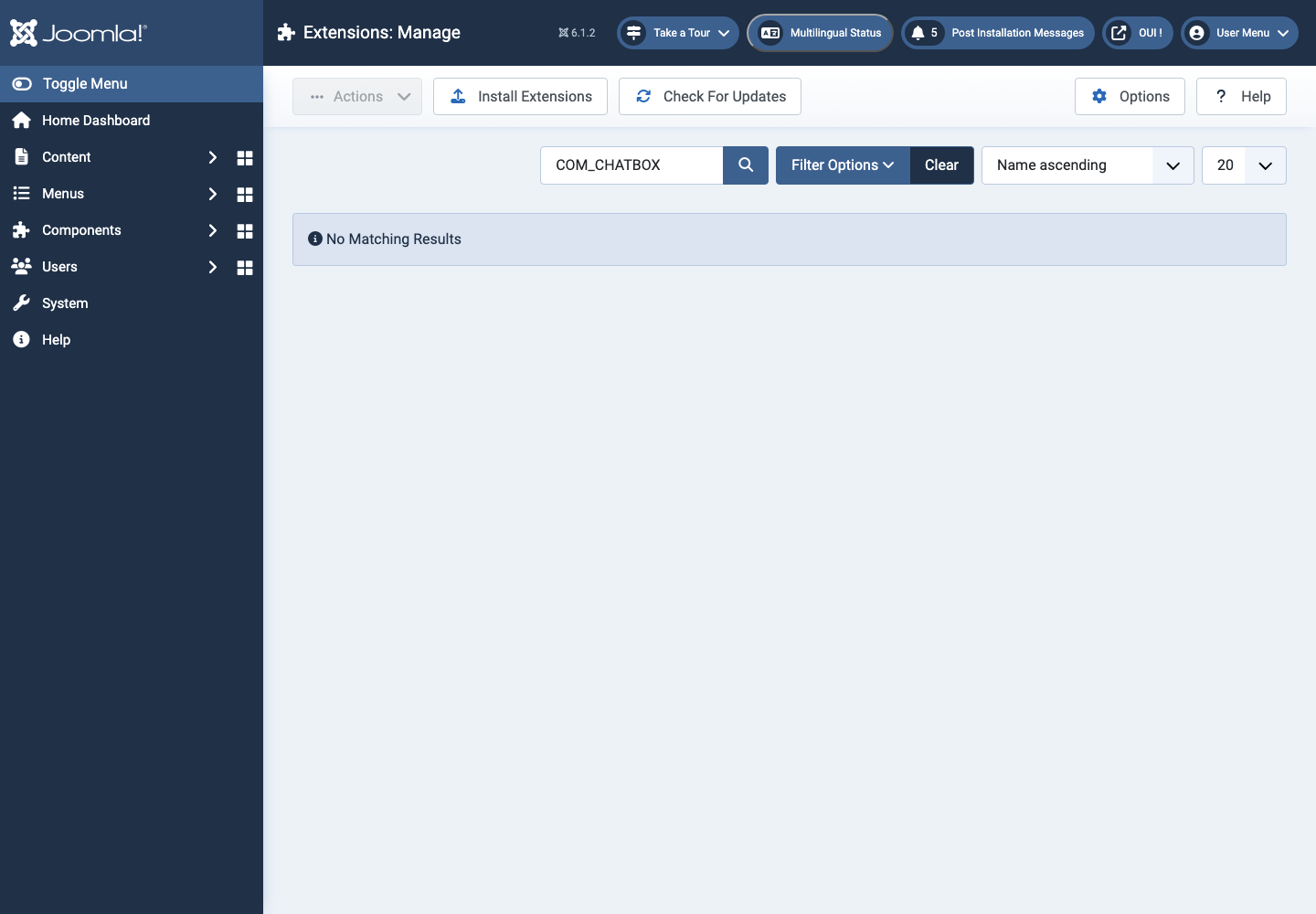
- The extension does not appear after installation
- Check the installer message and the component/plugin status, then clear Joomla or WordPress caches.
- An action is denied
- Review the user group permissions, session token and any security restrictions.
- The output does not match the site
- Test with caching disabled, inspect template overrides and look for CSS or JavaScript conflicts.
- An external integration fails
- Check the URL, credentials, quotas and logs without copying secrets into a support request.
Updating and uninstalling
Before updating, back up files and the database, read the release notes, and test on a copy of the site. Export useful data before uninstalling. Removing a package may remove several related components, modules or plugins.