
Joomla guide v1.0.1
OuiPoll is a Joomla survey and polling component: 22 question types, conditional logic, built-in analytics and CSV, Excel and PDF export. Your data stays yours.
Overview
OuiPoll is a Joomla survey and polling component: 22 question types, conditional logic, built-in analytics and CSV, Excel and PDF export. Your data stays yours.
Requirements
- Joomla 4.4, 5 or 6 depending on the package version.
- PHP >=8.1.
- A recent backup before installation or update.
Installation
- Download the ZIP package and do not extract it.
- In Joomla, open System → Install → Extensions.
- Drop the ZIP into the installation area and wait for the confirmation message.
- Open the component from Components. If the package includes a plugin, check its status under System → Manage → Plugins.
- Review component permissions before opening it to the team.
Initial configuration
- Open the extension dashboard.
- Open Options and review global settings.
- Grant Create, Edit, Delete and Configure permissions to the appropriate groups.
- Create a first test item and check the frontend when a public view is provided.
- Enable bundled plugins or scheduled tasks only when they are needed.
Features
22 question types
Text, email, number, phone, URL, date, time, radio buttons, checkboxes, dropdown, stars, scale, NPS, slider, matrix, ranking, file upload, signature — each with its own front-end template.
Conditional logic
Show, hide, skip or jump depending on the answers already given. 14 operators, 4 actions, logic groups combined with AND or OR, evaluated on the server and mirrored in the browser.
Multi-page and resumable
Break a long questionnaire into ordered pages, with a progress bar and numbering. Respondents get a resume link by email and find their answers waiting, saved automatically as they went along.
Duplicate prevention
Before the survey is rendered, OuiPoll checks three guards you set survey by survey: one response per account, a browser cookie (30 days by default) and a previously seen IP address.
Analytics and exports
Three analysis tabs — overview, question by question, respondent profile — each filterable by date range. Export responses as CSV or Excel, and the analytics report as PDF.
Scoring, quizzes and alerts
Give each option a score: OuiPoll works out the total, the maximum possible and the percentage, then shows them on the thank-you page. Completed responses can also alert your administrators and send the respondent a receipt.
Install the package
The pkg_ouipoll package installs the component, creates the 8 database tables and loads 5 ready-made survey templates.
Start from a template
Blank survey, customer satisfaction, event feedback, contact form or employee survey — each one arrives with its pages and questions already in place.
First steps
- Start with a simple use case and non-sensitive data.
- Validate the result with the team that will use the extension.
- Record site-specific choices such as roles, automations, templates and integrations.
- Roll out gradually, then monitor logs and user feedback.
Screenshots
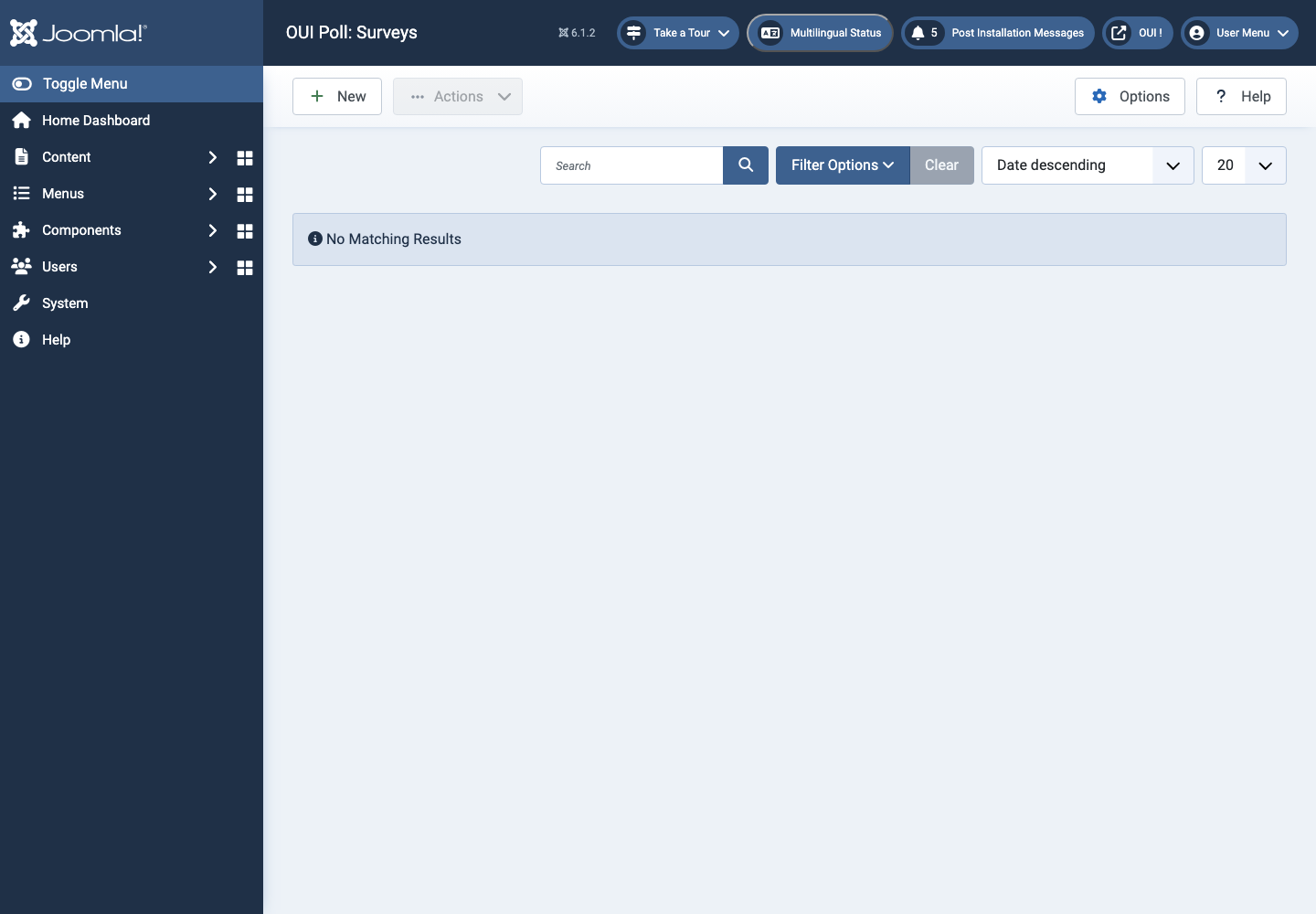
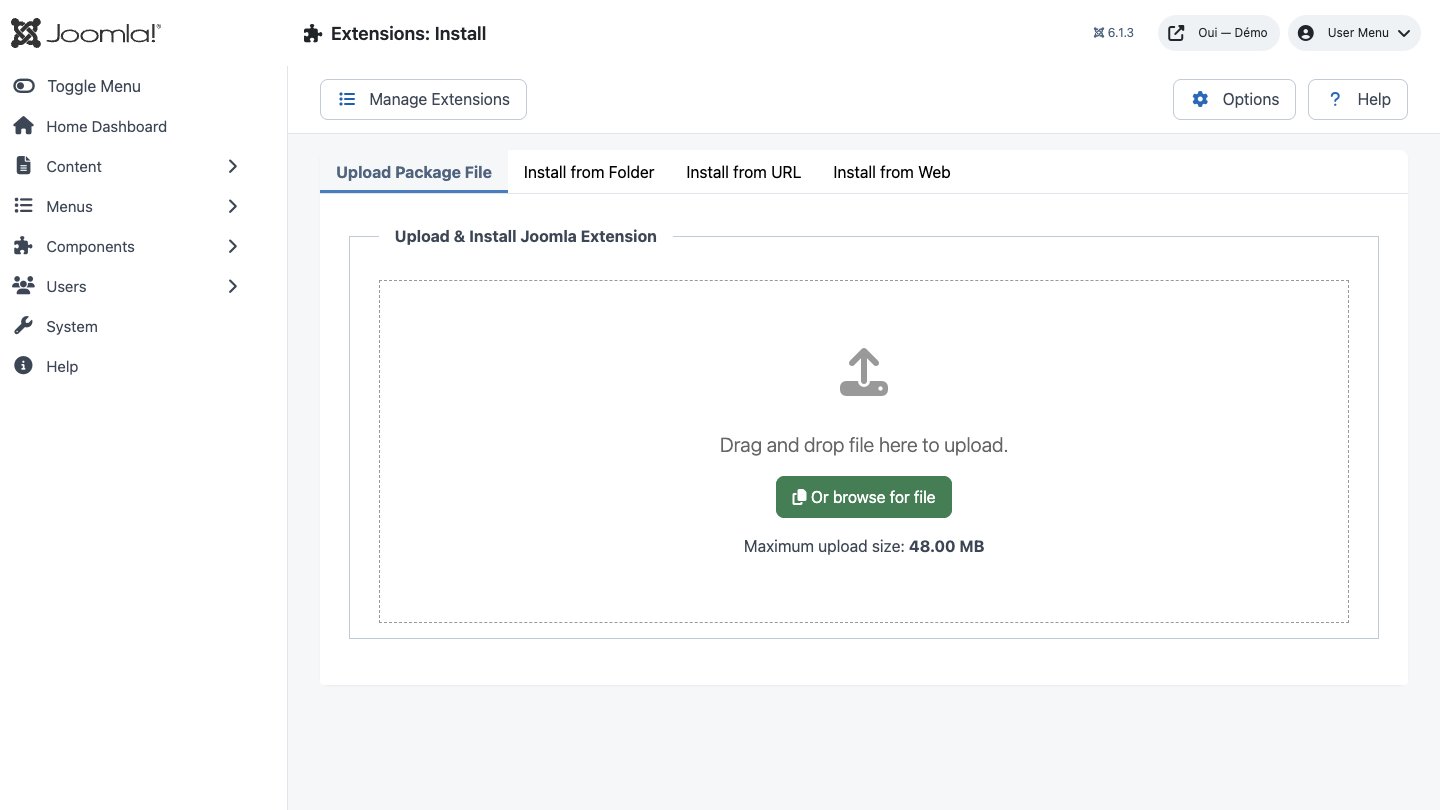
Troubleshooting
- The extension does not appear after installation
- Check the installer message and the component/plugin status, then clear Joomla or WordPress caches.
- An action is denied
- Review the user group permissions, session token and any security restrictions.
- The output does not match the site
- Test with caching disabled, inspect template overrides and look for CSS or JavaScript conflicts.
- An external integration fails
- Check the URL, credentials, quotas and logs without copying secrets into a support request.
Updating and uninstalling
Before updating, back up files and the database, read the release notes, and test on a copy of the site. Export useful data before uninstalling. Removing a package may remove several related components, modules or plugins.