
Joomla guide v3.1.0
OUI Humans centralises contacts, organisations and relationship history in the OUI Hub.
Overview
OUI Humans centralises contacts, organisations and relationship history in the OUI Hub.
Requirements
- Joomla 4.4, 5 or 6 depending on the package version.
- PHP >=8.1.
- A recent backup before installation or update.
Installation
- Download the ZIP package and do not extract it.
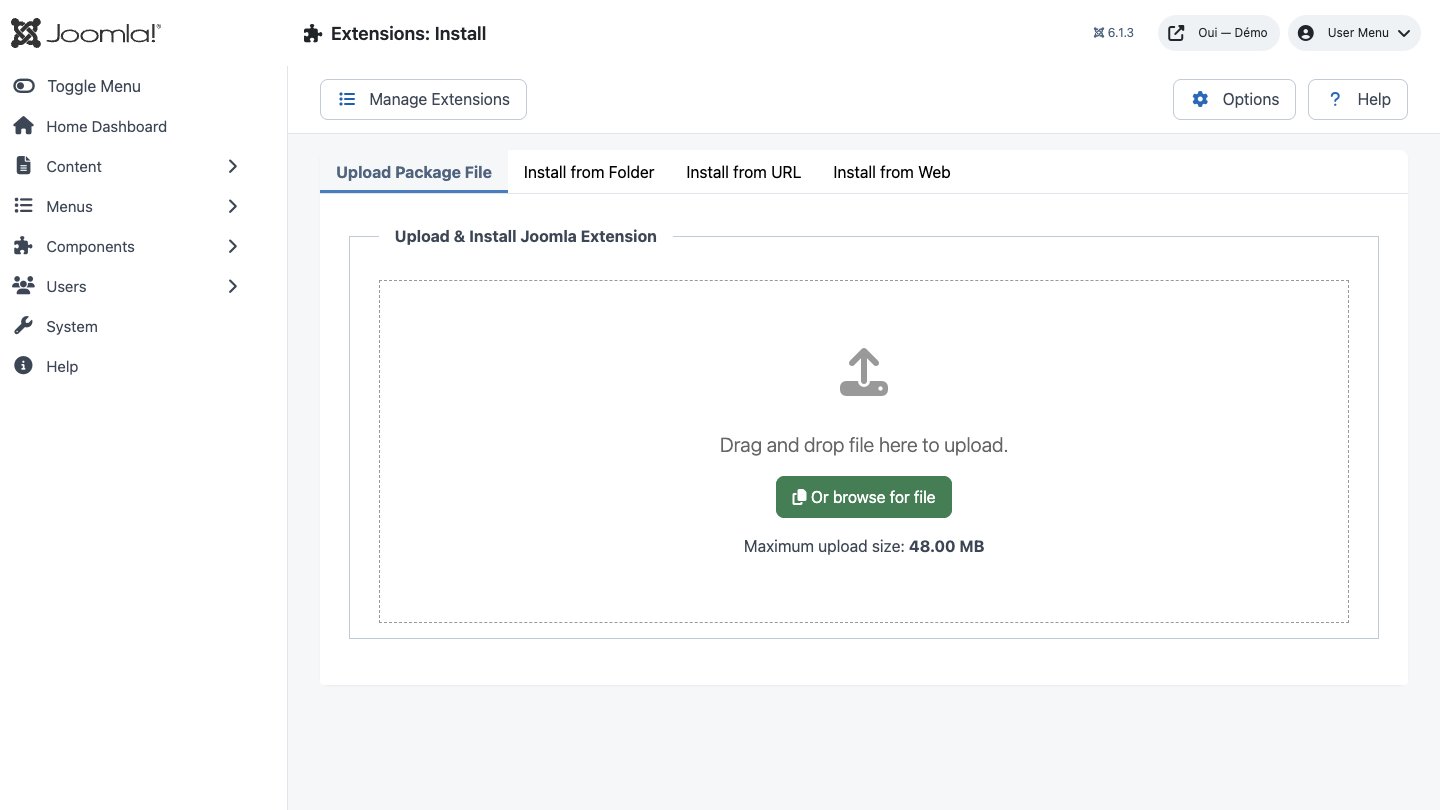
- In Joomla, open System → Install → Extensions.
- Drop the ZIP into the installation area and wait for the confirmation message.
- Open the component from Components. If the package includes a plugin, check its status under System → Manage → Plugins.
- Review component permissions before opening it to the team.
Initial configuration
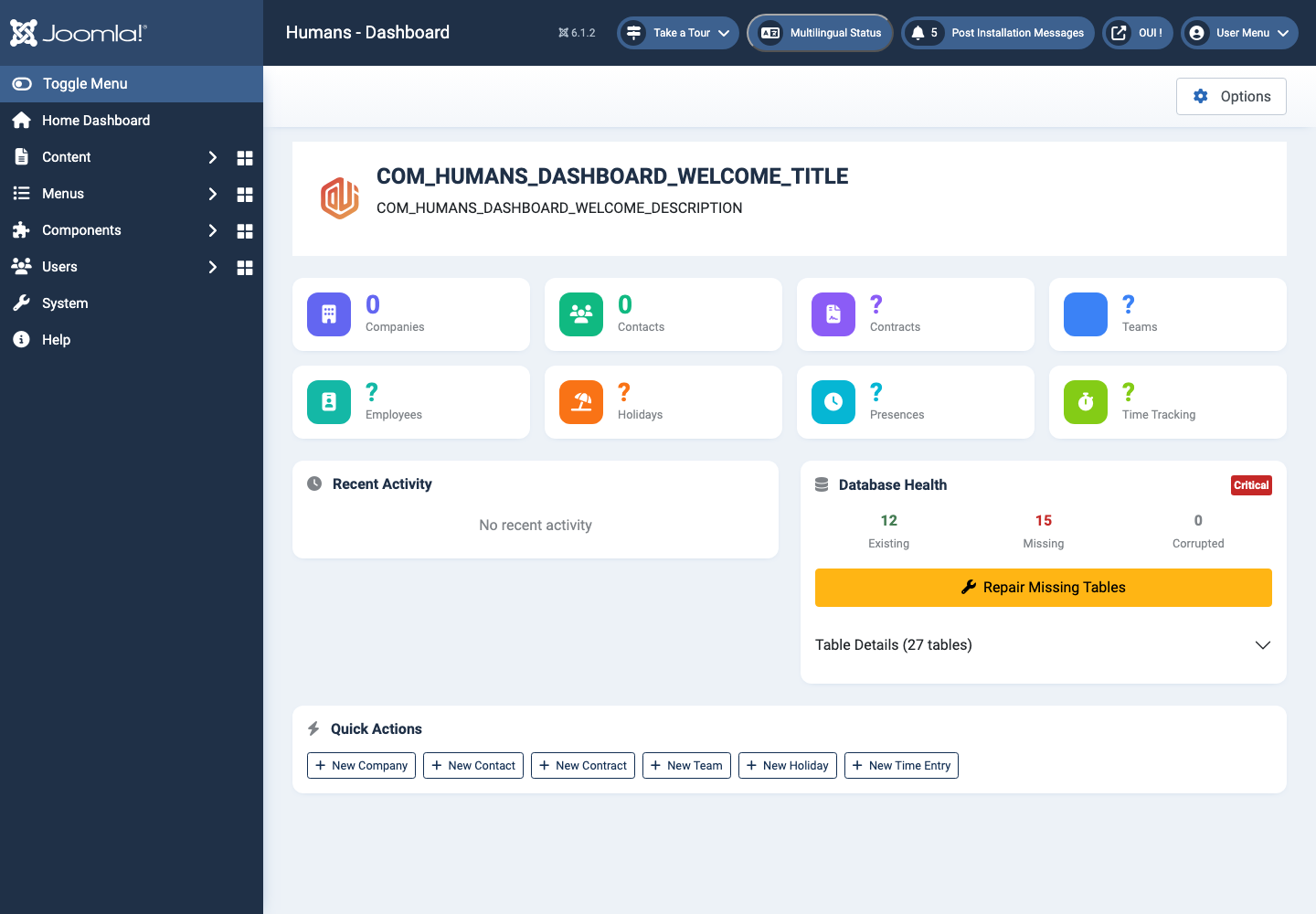
- Open the extension dashboard.
- Open Options and review global settings.
- Grant Create, Edit, Delete and Configure permissions to the appropriate groups.
- Create a first test item and check the frontend when a public view is provided.
- Enable bundled plugins or scheduled tasks only when they are needed.
Features
Contact and organisation records
Keep people, companies, addresses and relationship details in a shared workspace.
Activity history
Track notes, exchanges and important events around every relationship.
Hub integration
Use the same contacts from other OUI Hub extensions without duplicating records.
First steps
- Start with a simple use case and non-sensitive data.
- Validate the result with the team that will use the extension.
- Record site-specific choices such as roles, automations, templates and integrations.
- Roll out gradually, then monitor logs and user feedback.
Screenshots
Troubleshooting
- The extension does not appear after installation
- Check the installer message and the component/plugin status, then clear Joomla or WordPress caches.
- An action is denied
- Review the user group permissions, session token and any security restrictions.
- The output does not match the site
- Test with caching disabled, inspect template overrides and look for CSS or JavaScript conflicts.
- An external integration fails
- Check the URL, credentials, quotas and logs without copying secrets into a support request.
Updating and uninstalling
Before updating, back up files and the database, read the release notes, and test on a copy of the site. Export useful data before uninstalling. Removing a package may remove several related components, modules or plugins.