
Joomla guide v1.2.0
Publish 3D models and scenes inside Joomla: glTF, FBX and OBJ loading, Mixamo animation, PBR materials, three site modules and a JSON:API REST interface.
Overview
Publish 3D models and scenes inside Joomla: glTF, FBX and OBJ loading, Mixamo animation, PBR materials, three site modules and a JSON:API REST interface.
Requirements
- Joomla 4.4, 5 or 6 depending on the package version.
- PHP 8.1 or later is recommended.
- A recent backup before installation or update.
Installation
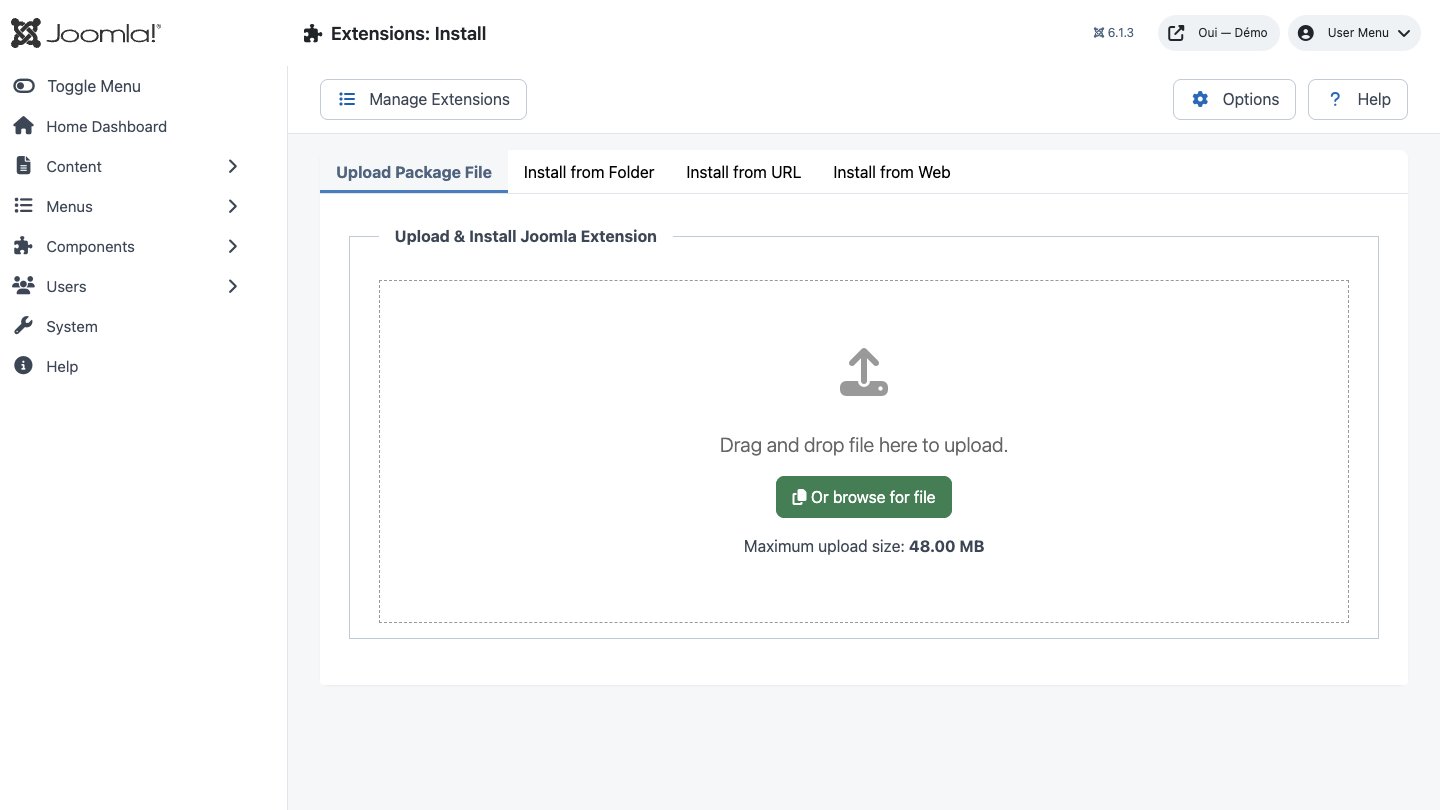
- Download the ZIP package and do not extract it.
- In Joomla, open System → Install → Extensions.
- Drop the ZIP into the installation area and wait for the confirmation message.
- Open the component from Components. If the package includes a plugin, check its status under System → Manage → Plugins.
- Review component permissions before opening it to the team.
Initial configuration
- Open the extension dashboard.
- Open Options and review global settings.
- Grant Create, Edit, Delete and Configure permissions to the appropriate groups.
- Create a first test item and check the frontend when a public view is provided.
- Enable bundled plugins or scheduled tasks only when they are needed.
Features
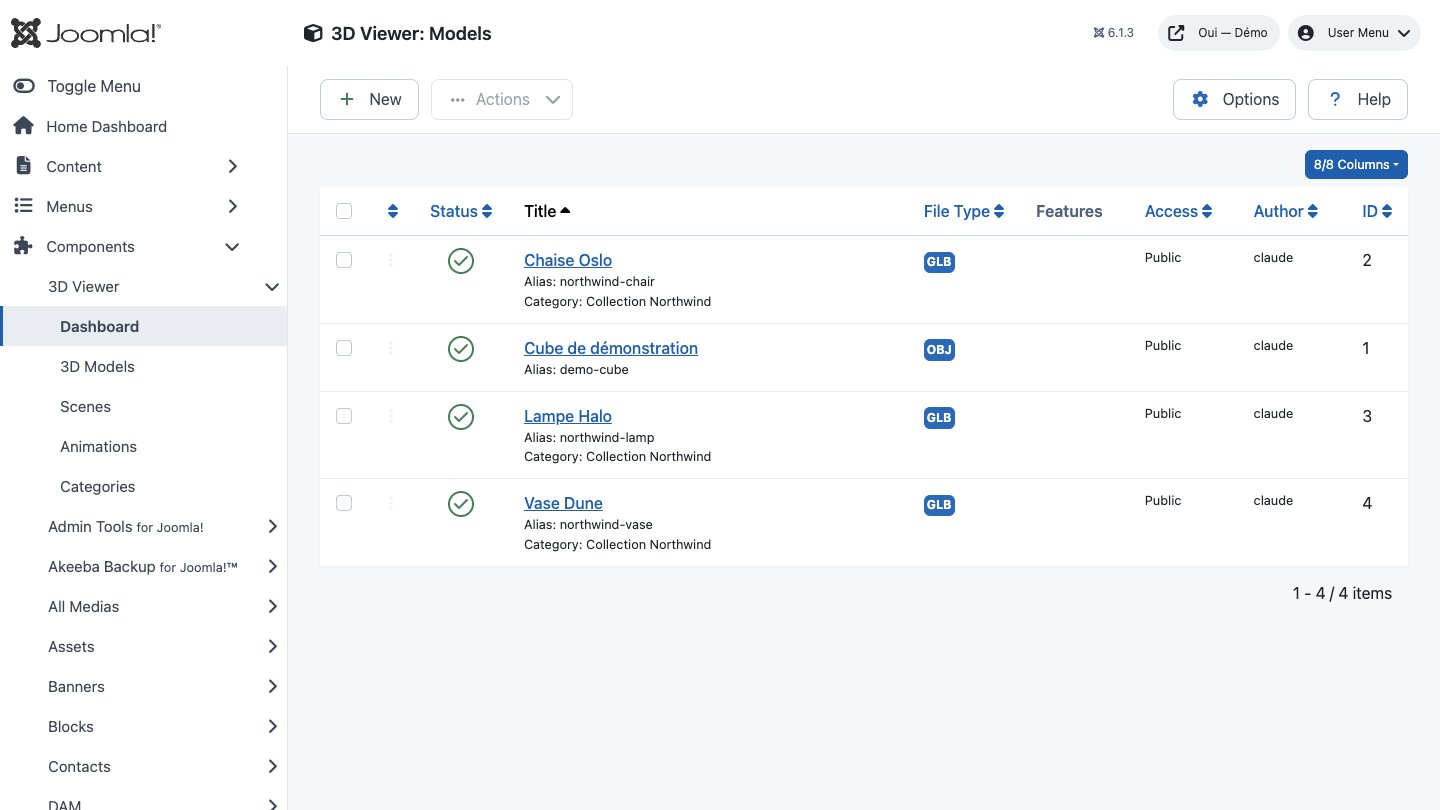
glTF, FBX and OBJ models
The renderer handles three format families: glTF and its binary GLB variant, FBX, and OBJ with MTL materials. Every model carries its own position, rotation and scale, with optional auto-centring and auto-scaling.
Multi-model scenes
A scene assembles several models, each with its own instance name, transform, visibility, shadow behaviour — cast, receive or both — and display order, so the same model can appear twice with different settings.
Lighting and environment
Four light families — ambient, directional, point and spot — with optional shadows and fog. The background takes a flat colour, a skybox, an HDRI map or full transparency, so the render sits straight on your own design.
Animation and Mixamo retargeting
The Mixamo loader ships a bone map covering 23 humanoid skeleton bones plus 40 finger bones, so an FBX clip replays on a rig whose bones never carried the mixamorig: prefix. Play once, loop or ping-pong, with fades and adjustable speed.
Three camera schemes
Orbit for a product you turn in your hands, first-person for walking an interior, fly for surveying a model from above. Perspective or orthographic, with configurable field of view and clipping planes.
Clickable objects
A dedicated event manager casts a ray from the pointer and emits click, hover, double-click, drag and selection events on objects and on surfaces alike. Wheel, pinch-to-zoom and keyboard input are handled out of the box.
Reusable PBR materials
A shared library covers six shading types — standard, physical, Phong, Lambert, toon and custom — with metalness, roughness, clearcoat and nine texture channels, from diffuse through to the environment map.
Publishing the Joomla way
Models and scenes are proper Joomla content: native categories, publish state, view access level, language, start and finish publishing dates, check-in and check-out, and custom fields.
First steps
- Start with a simple use case and non-sensitive data.
- Validate the result with the team that will use the extension.
- Record site-specific choices such as roles, automations, templates and integrations.
- Roll out gradually, then monitor logs and user feedback.
Screenshots
Troubleshooting
- The extension does not appear after installation
- Check the installer message and the component/plugin status, then clear Joomla or WordPress caches.
- An action is denied
- Review the user group permissions, session token and any security restrictions.
- The output does not match the site
- Test with caching disabled, inspect template overrides and look for CSS or JavaScript conflicts.
- An external integration fails
- Check the URL, credentials, quotas and logs without copying secrets into a support request.
Updating and uninstalling
Before updating, back up files and the database, read the release notes, and test on a copy of the site. Export useful data before uninstalling. Removing a package may remove several related components, modules or plugins.