
WordPress guide v1.0.0
26 advanced Elementor widgets with GSAP scroll animations, 3D viewer, multi-layer parallax and mega menus. Design and animate without code.
Overview
26 advanced Elementor widgets with GSAP scroll animations, 3D viewer, multi-layer parallax and mega menus. Design and animate without code.
Requirements
- A maintained, up-to-date WordPress installation.
- Version declared by the package: 6.0.
- PHP 8.0.
- A recent backup before installation or update.
Installation
- Download the plugin ZIP file.
- In WordPress, open Plugins → Add New Plugin → Upload Plugin.
- Select the ZIP, install it, then click Activate.
- Reload the administration area and locate the new menu or settings page.
- On production sites, clear application and page caches after activation.
Initial configuration
- Open the settings page added by the plugin.
- Configure only the services and options that are actually used.
- Save, then test the behaviour with a non-administrator account.
- Check the result on desktop and mobile.
- If WooCommerce or another plugin is required, also verify its status and version.
Features
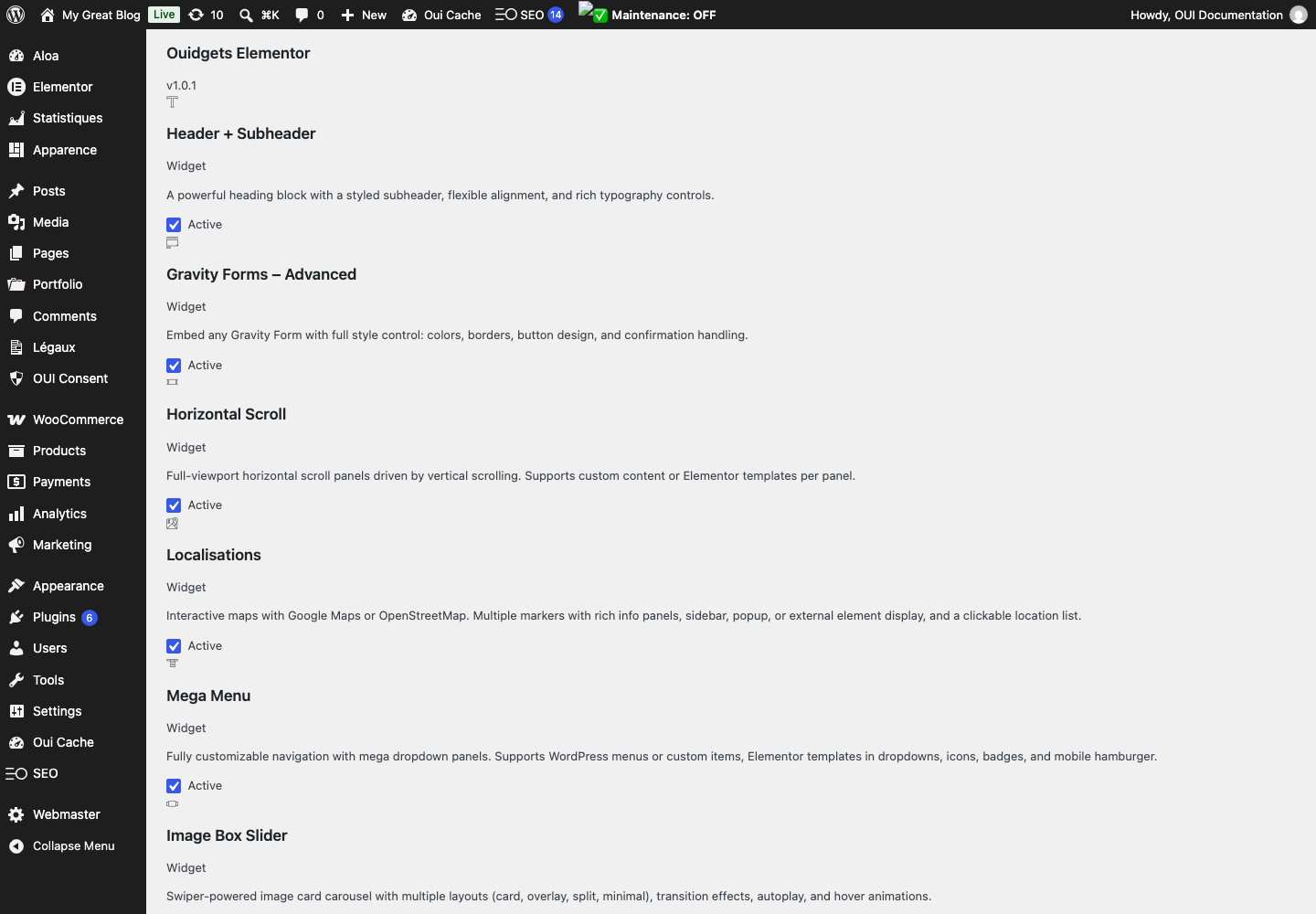
Horizontal Scroll
Full-width panels scrolling horizontally via vertical scroll. Powered by GSAP ScrollTrigger, with custom content or Elementor templates per panel.
3D Model Viewer
Display GLB/GLTF models in real time with orbit controls, clickable hotspots and native AR support on mobile. Perfect for e-commerce.
360° Rotation
Interactive image sequences to showcase your products from every angle. Drag, zoom, autoplay and physics-based inertia included.
Mega Menu
Full-featured navigation with mega dropdowns: Elementor templates, sub-menus, icons, badges and responsive mobile hamburger menu.
Scroll Video
Scroll-controlled video playback. Fullscreen or contained mode, poster image, and pin/sticky during scrolling.
Text Animation
Seven scroll-driven text animation effects: character reveal, word, line, scale, invert, 3D rotation.
Masonry Grid
CSS masonry grid for posts and custom post types. Sorting, category filtering, pagination and customizable hover effects.
Testimonial Slider
Swiper carousel with 3 layouts (classic, card, minimal), star ratings, avatars and responsive autoplay.
First steps
- Start with a simple use case and non-sensitive data.
- Validate the result with the team that will use the extension.
- Record site-specific choices such as roles, automations, templates and integrations.
- Roll out gradually, then monitor logs and user feedback.
Screenshots
Troubleshooting
- The extension does not appear after installation
- Check the installer message and the component/plugin status, then clear Joomla or WordPress caches.
- An action is denied
- Review the user group permissions, session token and any security restrictions.
- The output does not match the site
- Test with caching disabled, inspect template overrides and look for CSS or JavaScript conflicts.
- An external integration fails
- Check the URL, credentials, quotas and logs without copying secrets into a support request.
Updating and uninstalling
Before updating, back up files and the database, read the release notes, and test on a copy of the site. Export useful data before uninstalling. Removing a package may remove several related components, modules or plugins.