
WordPress guide v1.0.0
WordPress WooCommerce plugin for gift card management. Create, sell, and manage digital gift cards for your online store.
Overview
WordPress WooCommerce plugin for gift card management. Create, sell, and manage digital gift cards for your online store.
Requirements
- A maintained, up-to-date WordPress installation.
- Version declared by the package: 5.8.
- PHP >=7.4.
- A recent backup before installation or update.
Installation
- Download the plugin ZIP file.
- In WordPress, open Plugins → Add New Plugin → Upload Plugin.
- Select the ZIP, install it, then click Activate.
- Reload the administration area and locate the new menu or settings page.
- On production sites, clear application and page caches after activation.
Initial configuration
- Open the settings page added by the plugin.
- Configure only the services and options that are actually used.
- Save, then test the behaviour with a non-administrator account.
- Check the result on desktop and mobile.
- If WooCommerce or another plugin is required, also verify its status and version.
Features
Unique QR Codes
Every gift card generates a unique, secure QR code. Instant validation in-store or online, no manual code entry required.
Custom PDFs
Automatic generation of branded PDFs. Customizable templates, logo, colors and a dedicated message for every occasion.
Email delivery
Automatic email sending with attached PDF. Personalized buyer message, responsive design and full control over email content.
Scheduled delivery
The buyer chooses the send date. Perfect for birthdays and celebrations — the card arrives at exactly the right moment, delivered automatically.
Balance management
Precise tracking of the remaining balance after each partial use. Complete transaction history per card for both the customer and administrator.
Multi-vendor support
Native integration with WCFM Marketplace and Dokan. Each vendor manages their own gift cards in their space, with centralized reporting.
Customizable designs
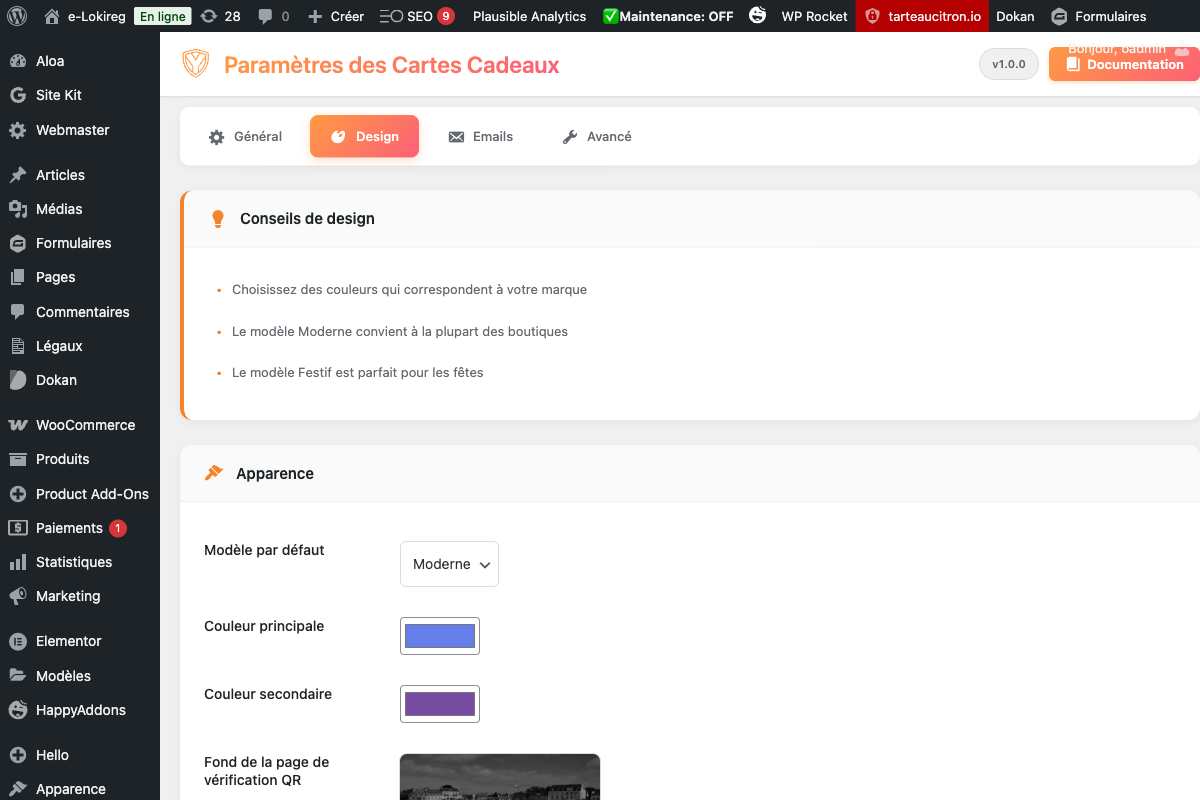
Ready-to-use template gallery or build from scratch. Backgrounds, typography and colors configurable from the admin panel.
Bulk generation
Create batches of gift cards in one click for marketing campaigns, loyalty programs or B2B distributions. CSV export included.
First steps
- Start with a simple use case and non-sensitive data.
- Validate the result with the team that will use the extension.
- Record site-specific choices such as roles, automations, templates and integrations.
- Roll out gradually, then monitor logs and user feedback.
Screenshots
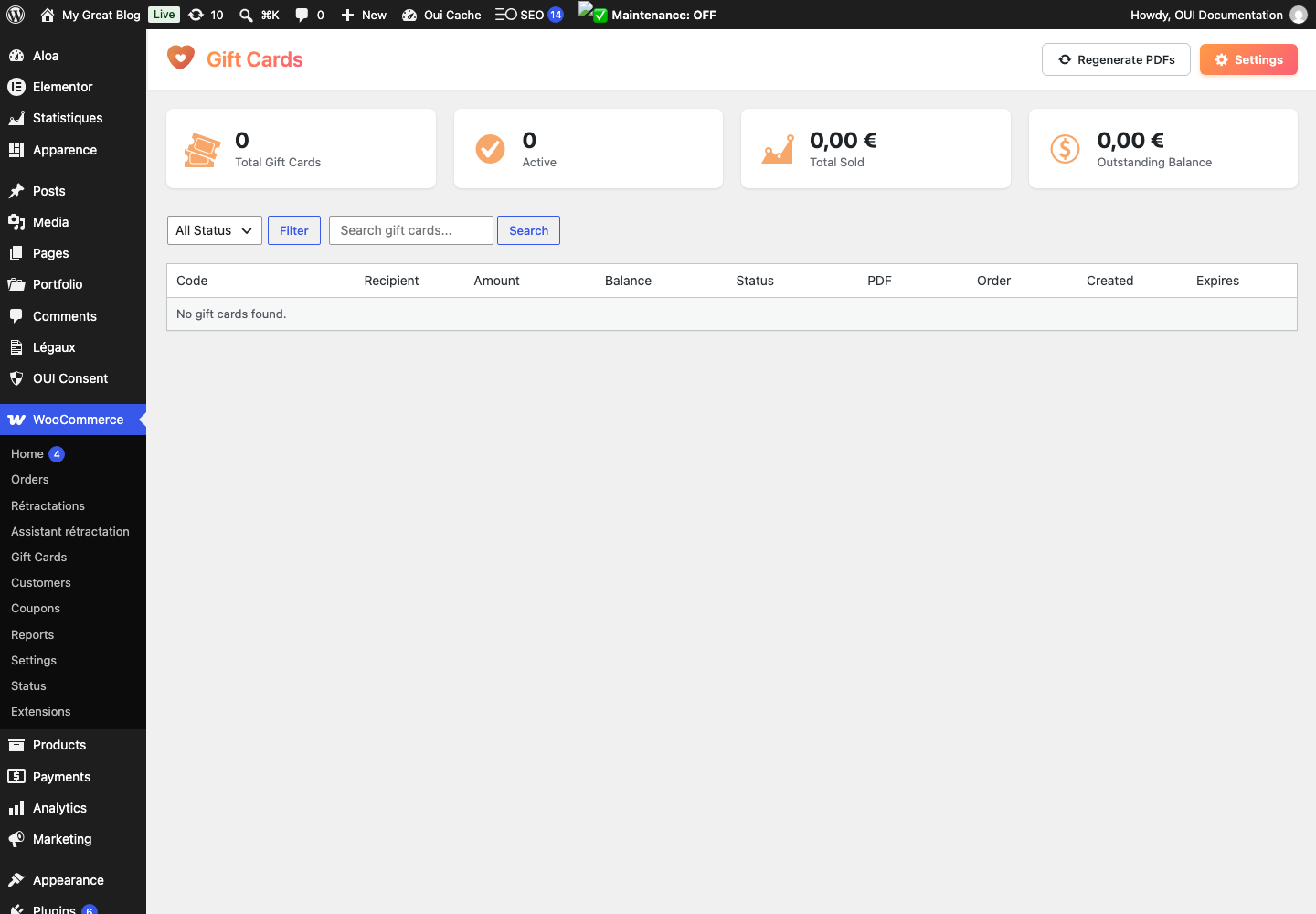
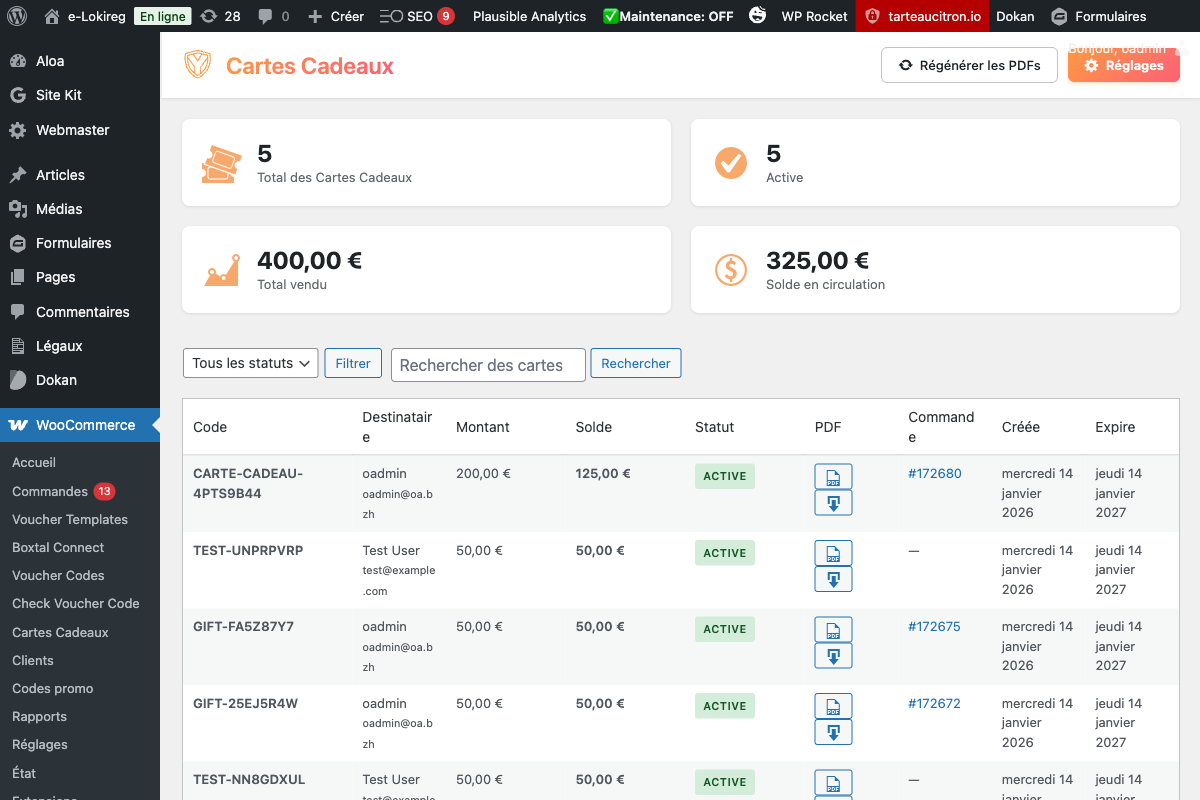
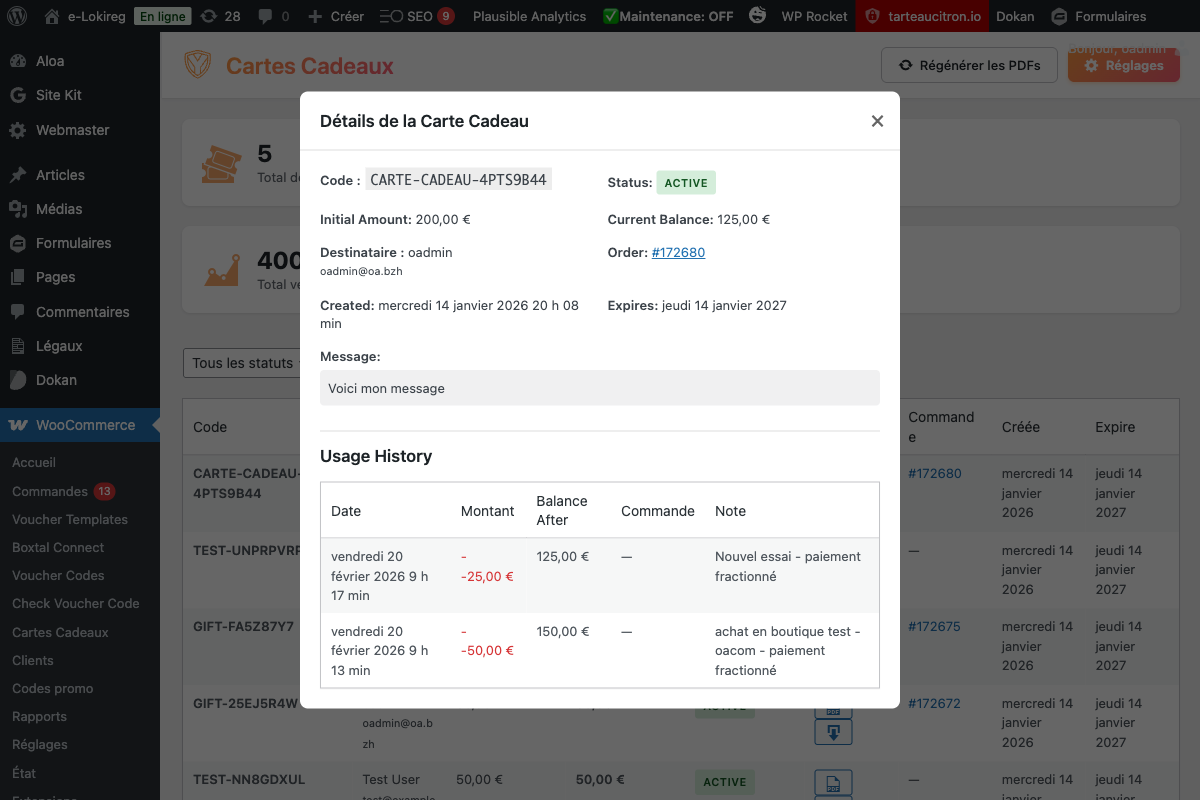
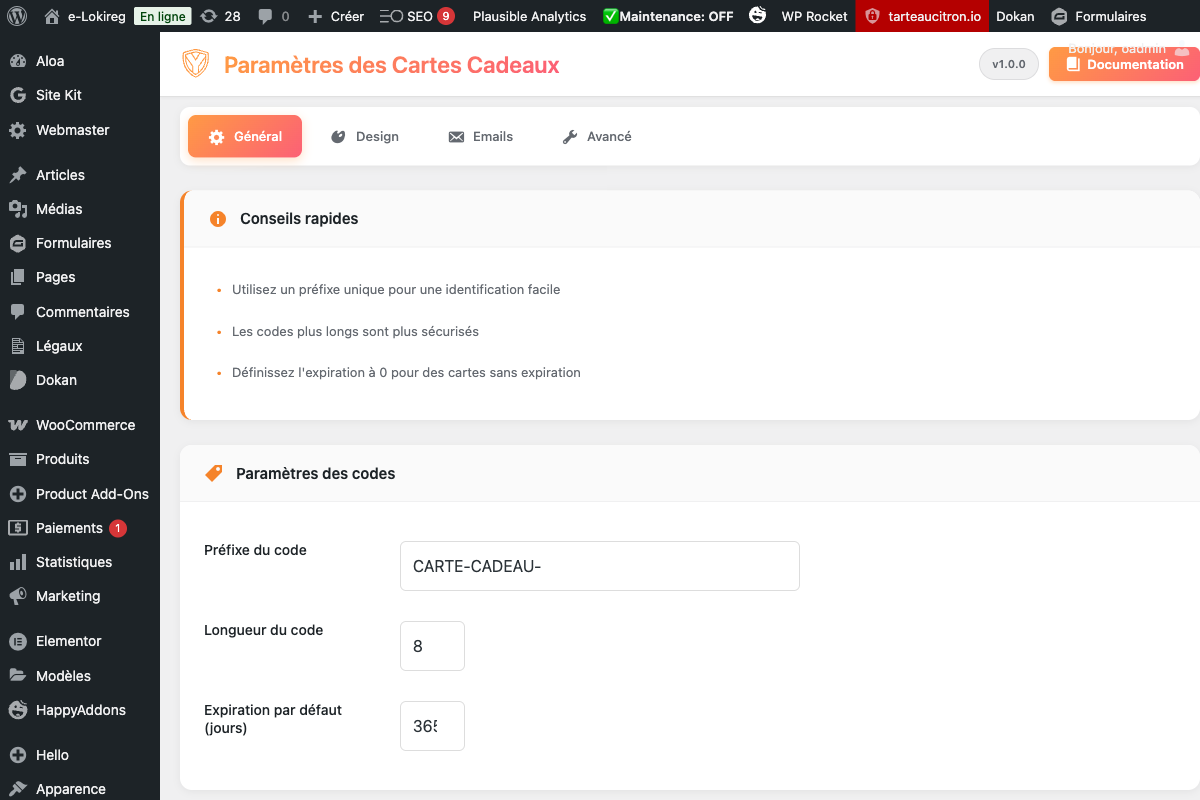
Troubleshooting
- The extension does not appear after installation
- Check the installer message and the component/plugin status, then clear Joomla or WordPress caches.
- An action is denied
- Review the user group permissions, session token and any security restrictions.
- The output does not match the site
- Test with caching disabled, inspect template overrides and look for CSS or JavaScript conflicts.
- An external integration fails
- Check the URL, credentials, quotas and logs without copying secrets into a support request.
Updating and uninstalling
Before updating, back up files and the database, read the release notes, and test on a copy of the site. Export useful data before uninstalling. Removing a package may remove several related components, modules or plugins.